Customer apps
Accounts, payments, bookings and push notifications, with a design that feels at home on each phone and stays the same across releases.

Mobile engineering
Bluelupin builds iOS and Android apps for customers and field teams, native or cross-platform with React Native or Flutter. We connect the app to your systems, design it to work offline where the signal is weak, secure sign-in and data, and handle App Store and Google Play release. Updates and support continue after launch.
As a mobile app development company in India working with teams in India and abroad, we build apps for two kinds of users: your customers, and the people who work for you. Each app is connected to the systems you already run, and each one is released to both stores and kept up to date after launch.
| You need | Use |
|---|---|
| iOS and Android apps | Mobile App Development (this page) |
| The web version or portal | Web Application and Portal Development |
| The backend and APIs | API and Integration Services |
| Staff apps tied to HR | Employee Portals and Intranets |
Most of the apps we build fall into one of these four groups.
Accounts, payments, bookings and push notifications, with a design that feels at home on each phone and stays the same across releases.
Field service app development for teams on the move: tasks, forms, photos and signatures that keep working offline and sync when the phone is back online. When an internal app needs to ship fast, we also build on low-code platforms such as Microsoft Power Apps or Kony.
Role-based features, sign-in with your identity provider and builds that work with mobile device management (MDM), so IT can roll the app out and control it.
A mobile app that uses the same data and APIs as your web app or portal, so a change made on one shows up on the other. For the web side, see Web Application and Portal Development.
Native apps are written for one platform, in Swift for iOS and Kotlin for Android. Cross-platform apps share one codebase across both, and our React Native and Flutter development covers most customer and field apps. We recommend one approach after looking at three things, based on your timeline, budget and features.
Field teams work in basements, on sites and on roads where the signal comes and goes. We design these apps to keep working without a connection and to catch up on their own when the signal returns.
Enterprise mobile apps carry customer data and company data on phones that can be lost. Our standard set covers sign-in, the connection and the data stored on the device.
Every mobile project follows the same six stages, so you see the plan and the design before development starts.
We agree on goals, users and features, and write a roadmap before any code is written.
Mockups and clickable prototypes show the screens and the user flows before they are built.
The app is built in short releases, with code review on every change.
Testing on real devices and OS versions, plus security checks. Device and app testing is also available on its own through Quality Engineering and Test Automation.
Store listings, submission to both stores and a phased rollout.
Maintenance, monitoring and new features after launch, so the app keeps up with each new OS version.
How long it takes: A focused module usually takes 8 to 12 weeks, and a larger program 4 to 9 months in phased releases.
We manage provisioning, store listings, review cycles and phased rollouts for both the Apple App Store and Google Play. Push notifications and analytics are set up before launch, so you can reach users and see how the app is used from the first day. A phased rollout releases each update to a small group first, so a problem can be fixed before every user gets it.
We pick the stack for each app based on the choice between native and cross-platform. These are the tools we work with on each platform.
Kotlin, Java, Android Studio, Firebase and SQLite, for phones and tablets.
Swift, Objective-C, Xcode, Realm and Core Data, for iPhone and iPad.
Flutter, React Native and NativeScript, with one codebase for iOS and Android.
REST and GraphQL APIs that link the app to your systems. For the APIs themselves, see API and Integration Services.
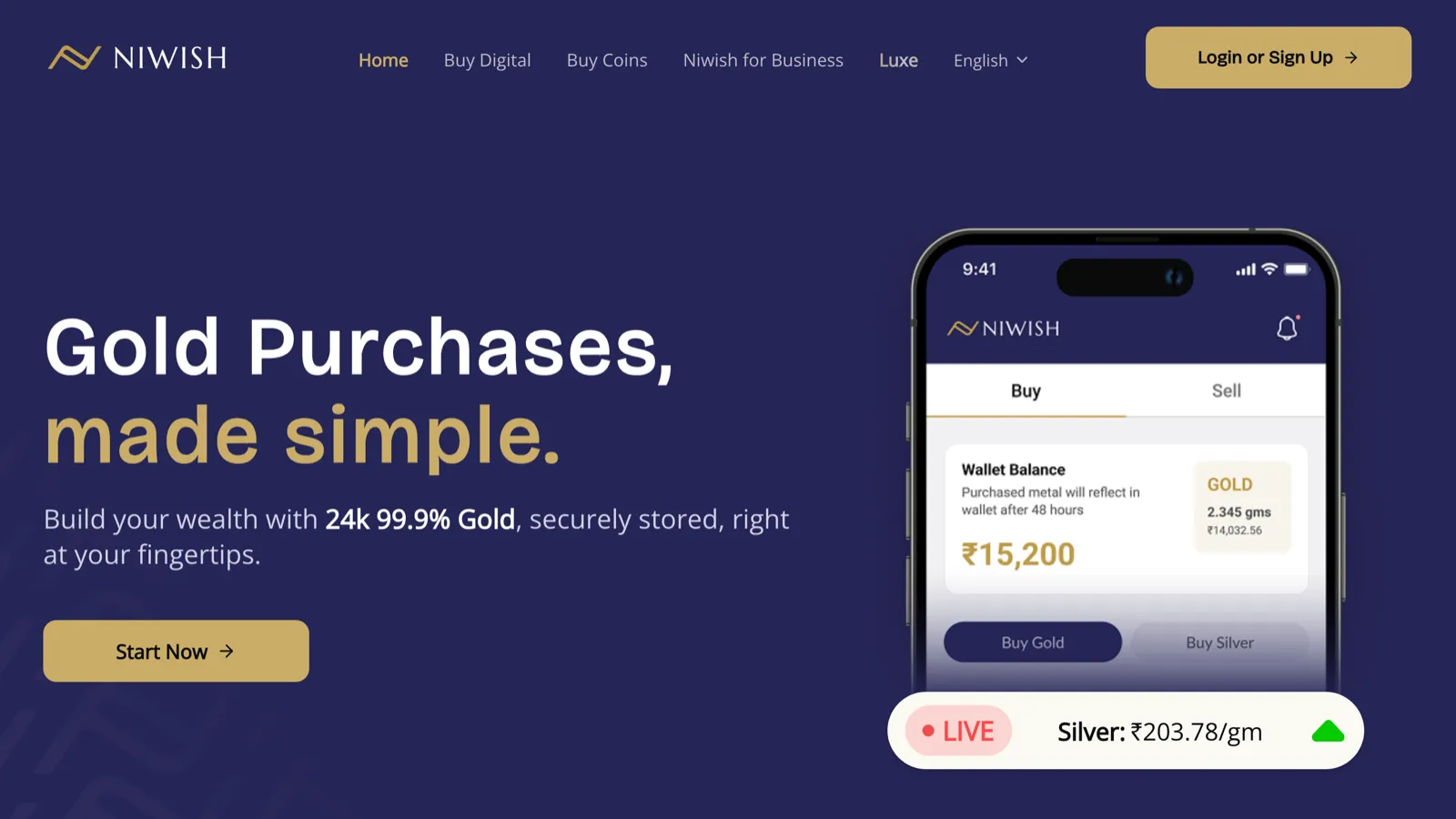
With Niwish, we built web and mobile apps for digital gold and silver, with KYC, a secure wallet and an audit-grade ledger, letting users start investing from Rs 10.

Tech Mahindra brought us in to add real-time messaging and task assignment to an offshore drilling client's existing crew app. Crew on the rigs receive messages and tasks on their tablets the moment they are sent. A team of three delivered it in six months.
Common questions about mobile app development.
Native suits top performance and deep device features. Cross-platform saves cost and time when the same experience on iOS and Android matters most. We recommend based on your timeline, budget and features.
Yes. We manage provisioning, store listings, review cycles and phased rollouts for both the Apple App Store and Google Play.
Yes. We build offline-first apps with local storage, sync queues and conflict handling for field teams and places with a weak signal.
Certificate pinning, secure token storage, biometric sign-in and sign-in through your identity provider are standard.
Yes. Tech Mahindra brought us in to add real-time messaging and task assignment to an offshore drilling client's existing crew app, without replacing the app crews already used.
Tell us who will use the app and where. Response within one business day.
Book a consultationOr email sales@bluelupin.com or call +91 99100 24224