Rehost
Move the system as it is to new servers or to the cloud, often in containers, which reduces lock-in to one host. It fits when the code works and the hosting does not. If the move is the main goal, see Cloud Migration and Modernization.

Modernization
Legacy modernization replaces or rebuilds old software in stages while your business keeps using it. Bluelupin reviews the code and setup, puts an API layer in front of the old system, then moves features to a new stack one piece at a time. We also take over software another team built and modernize it.
Older software can keep the business running for years while it gets harder and riskier to change. These are the signs we look for when we review a system.
There are five ways to modernize a system or a part of one. Each fits a different situation.
Move the system as it is to new servers or to the cloud, often in containers, which reduces lock-in to one host. It fits when the code works and the hosting does not. If the move is the main goal, see Cloud Migration and Modernization.
Move to a newer runtime or database with small code changes, such as a .NET or Java upgrade or a database migration. It fits when the code is sound and the platform under it is out of support.
Restructure the code so it is easier to change, with automated tests around each part. It fits when the system does the right job and every change takes too long.
Write the part again on a new stack, one piece at a time. It fits when the old design cannot support what the business needs next.
Switch off the features and reports nobody uses. It fits wherever usage shows a part has no users, and it leaves less to modernize.
Most systems need a mix. The assessment tells us which part gets which option, based on how critical the part is, how risky it is to change and what it costs to keep it compared with replacing it.
We modernize old systems one piece at a time: put an API layer in front, move features to a new stack and retire the old parts on a schedule your business can absorb. This is a strangler-fig migration, and we follow the same five steps on every project of legacy system modernization in India and abroad.
We review the architecture and its dependencies, score the risk of each part and compare the cost of keeping it with the cost of replacing it. The result is the roadmap.
We put an API layer in front of the old system, so new and old parts can work side by side and other systems keep one way in.
Each feature moves to the new stack with automated tests, and we check that the old and new versions give the same result.
Users and traffic move to the new part in steps, and there is always a way back to the old one.
Once nothing depends on an old part, we switch it off and remove it.
How long it takes: A focused module usually takes 8 to 12 weeks, and a larger program 4 to 9 months in phased releases.
When the people or vendor who built your system have moved on, we can take over software built by another vendor. We start with a review of the code and setup, write down what we find and fix what is urgent. Then we take it over step by step while the business keeps running on it, and modernize it with the approach above.
Every change carries some risk, so we plan each cutover with your team and a way back. The old system keeps running until the new part is proven.
Each project leaves you with a system your own team can run and change.
We work on .NET and Java, package services in Docker and run them on Kubernetes, on AWS, Azure or your current servers.
This page covers older non-ERP software. For these needs, another service fits better.
| You need | Use |
|---|---|
| Older non-ERP software modernized in stages | Legacy Application Modernization (this page) |
| Your ERP upgraded or extended | ERP Development and Modernization |
| To move to the cloud with little code change | Cloud Migration and Modernization |
| A new replacement product built from scratch | Custom Software Development |
| Fixes, updates and support after the move | Application Support and Maintenance |
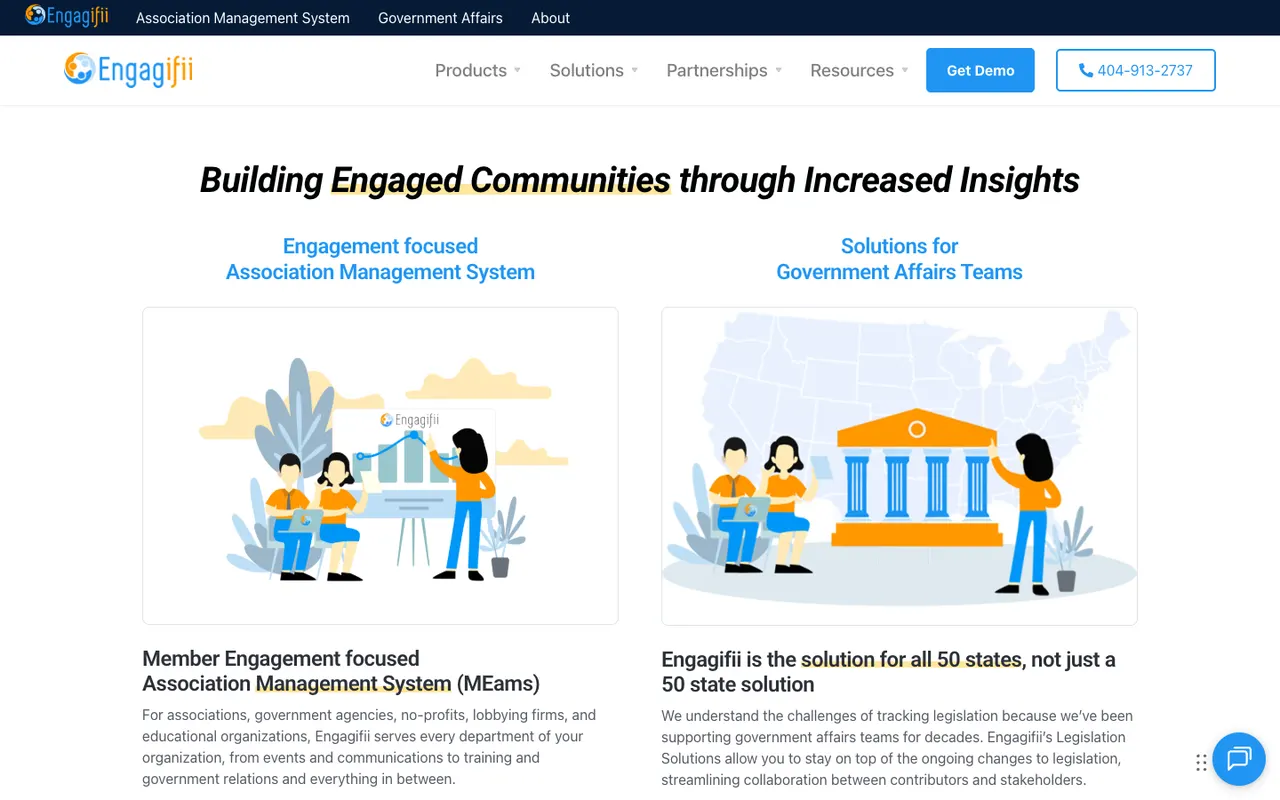
We modernized a US association management platform with React, Laravel, FastAPI and Supabase. The work moved a legacy enterprise platform to a new architecture, with automated testing and AI-assisted development.
Common questions about legacy modernization.
It is a step-by-step approach where new parts replace the old system one piece at a time behind an API layer, so there is no risky all-at-once rewrite.
It depends on the size of the system. A focused module usually takes 8 to 12 weeks, and a full platform 4 to 9 months, released in phases.
We plan to keep it to a minimum. Parallel runs, feature flags and phased cutovers keep the old system running until the new part is proven, and each release has a rollback plan.
Yes. We start with a review of the code and setup, then take it over step by step while the business keeps running on it.
No. We can modernize on your current servers or move to the cloud as part of the work. If the cloud move is the main goal, see Cloud Migration and Modernization.
Tell us what the system does and what worries you about it. Response within one business day.
Book a consultationOr email sales@bluelupin.com or call +91 99100 24224


